Fed Up Fridays
Voting Information

Concerned citizens of Starkville expressing solidarity. We meet every Friday from 12pm to 1pm at the corner of Main St. and Jackson St.
Today's Stats (if Friday):
| Positive Responses | Negative Responses | Ratio (Pos/Neg) |
|---|
Voting Day November 3rd!
Do you know where your polling place is?
Do you know which offices will be on your ballot?
Please check this site for info:
Mississippi Secretary of State’s Office - My Election Day
In our area, there are two federal offices on the ballot this year:
- U.S. Senate Mississippi
- U.S. House Mississippi District 3
To do some preliminary research on the candidates (at least for the federal offices), please see this site:
Ballotpedia - Sample Ballot Lookup
Registration
While it is too late for 2026, it’s never too early to get registered for next year’s elections!
Checking Voter Status (MS)
- Go to sos.ms.gov/yall-vote
- Scroll down and click on “Voter Registration Verification”
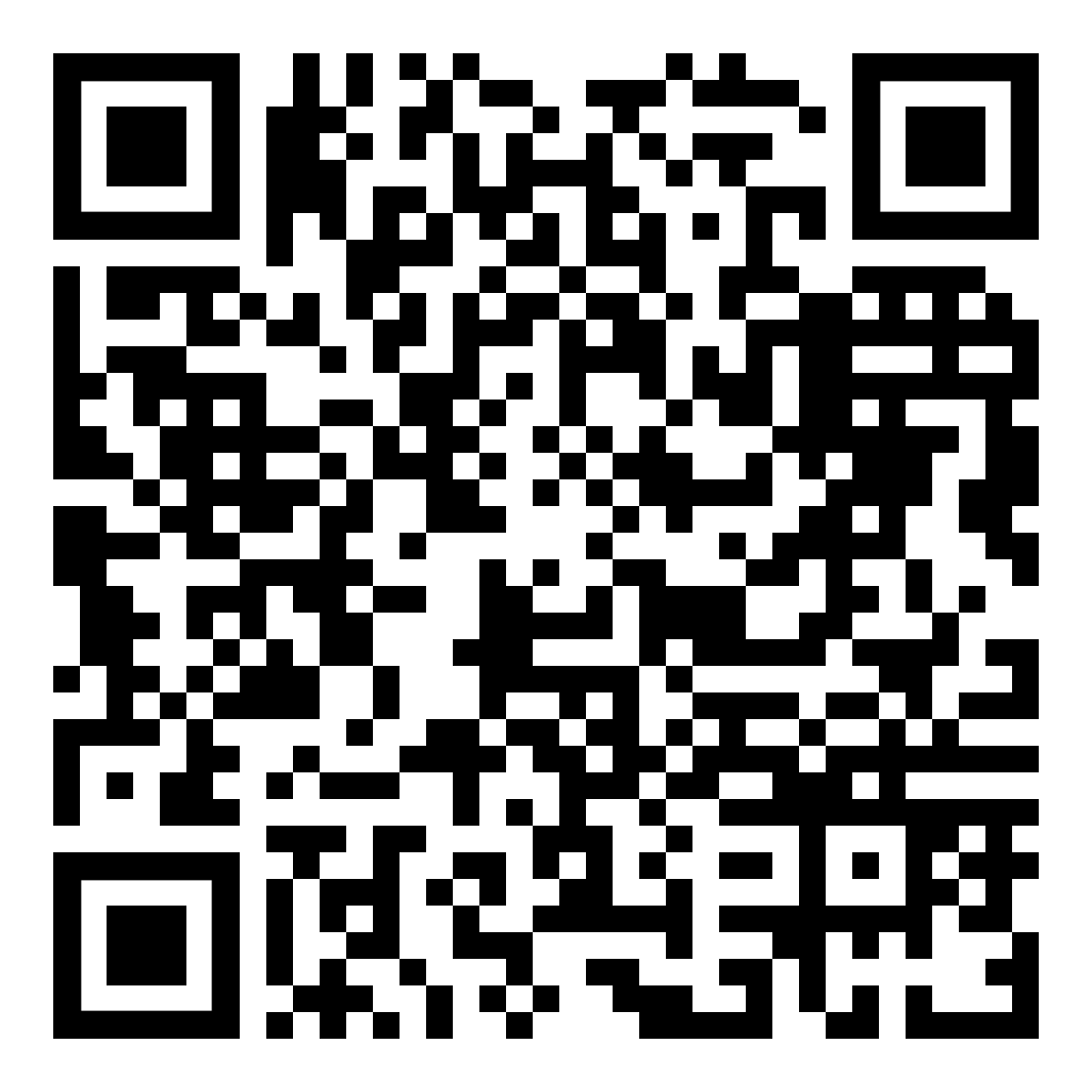
(or scan QR code below) - Fill in your County, Last and First name, last four digits of you SSN, and your birthday.
- Click the “I’m not a robot” box. Pass the CAPTCHA test.
- Click “Search”.
- Select the name/address combination that matches you. (Make it’s circle filled in.)
- Click “Verify”
- Hopefully, it will show “You are a registered Voter”. If not, then you need to contact the Circuit Clerk’s office. See www.sos.ms.gov/elections-voting/county-election-information for more information.
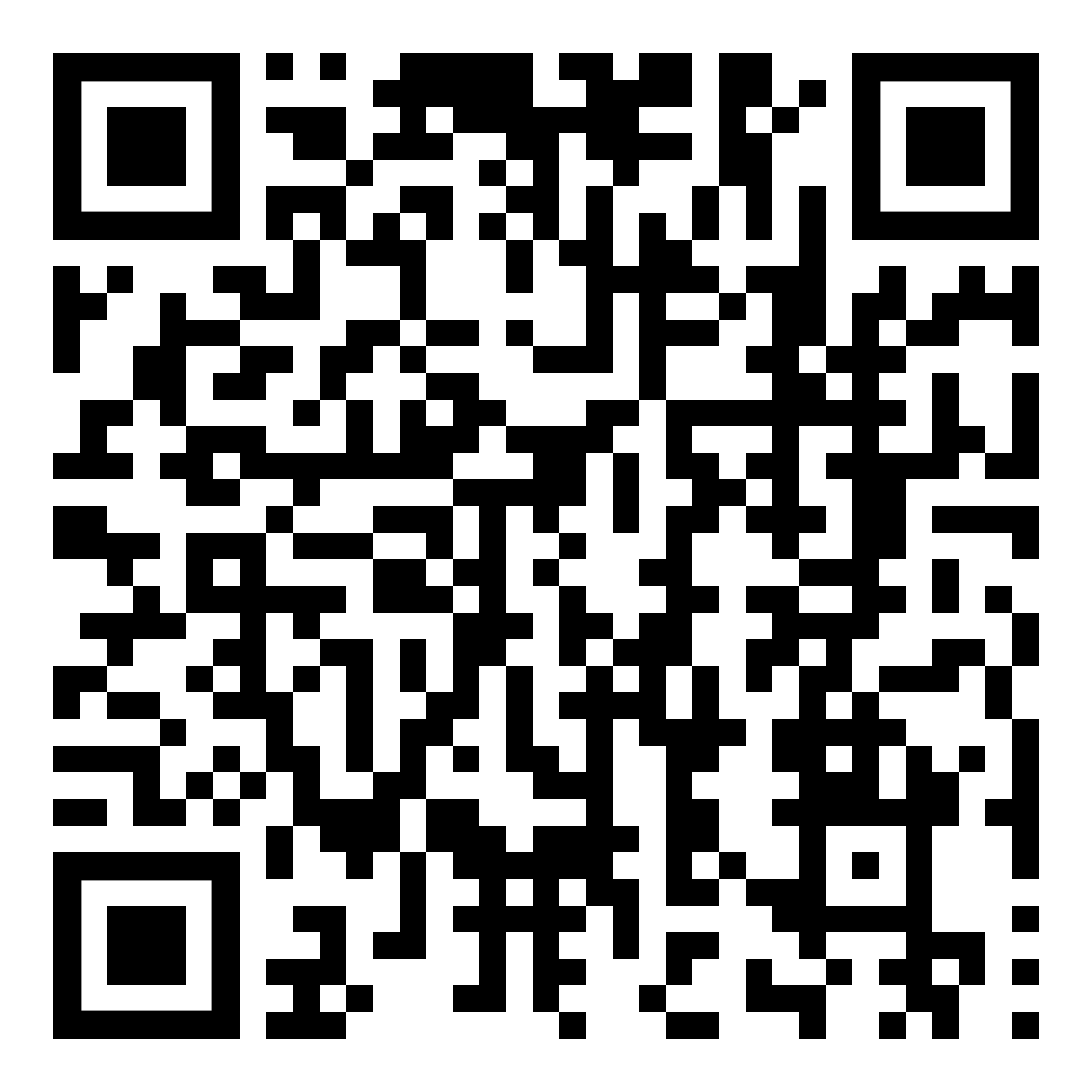
Registering to Vote
- Note: Do this process on a desktop or laptop if you don’t know how to print from your phone.
- Go to sos.ms.gov/yall-vote
- Scroll down and click on “Voter Information & Registration” (or scan QR code below)
- Click on “Voter Registration Application”
- Print the form
- Read the instructions and fill out appropriately, including MS Driver’s License # (or last 4 of SSN if no Driver’s License)
- Package completed form in an envelope and send or hand-deliver to the relevant County Circuit Clerk listed on second page.
For Oktibbeha County:
108 W. Main Street
Starkville, MS 39759